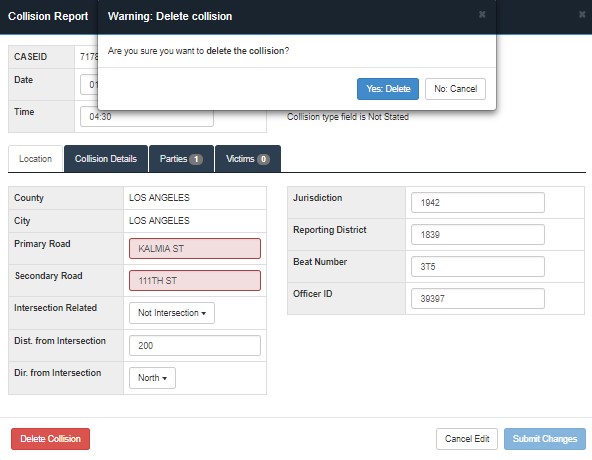
Deleting a collision record from the collision database can be completed in two ways. The first method is through the Find Collisions tab and searching for the record to delete. The second method is through the Flagged Collision tab. Each record needs to be selected which will open the collision report. The delete button is in red and is located on the bottom left corner of the collision report window as shown in the figure below. A secondary window and check will open to verify the selected collision record is deleted.