


The Pending Reviews tab is a separate table as pictured below and shows the edits that need to be reviewed by a manager. The example below shows that 2 collision records need to be reviewed. Because of the 2 step process used to quality control the edits, even changes to the collision record made by the manager needs to be reviewed and approved.

Collision records that are approved will automatically appended to the collision database. If a collision is rejected, a pop-up window will appear for the manage or superuser to provide commentary to the editor.
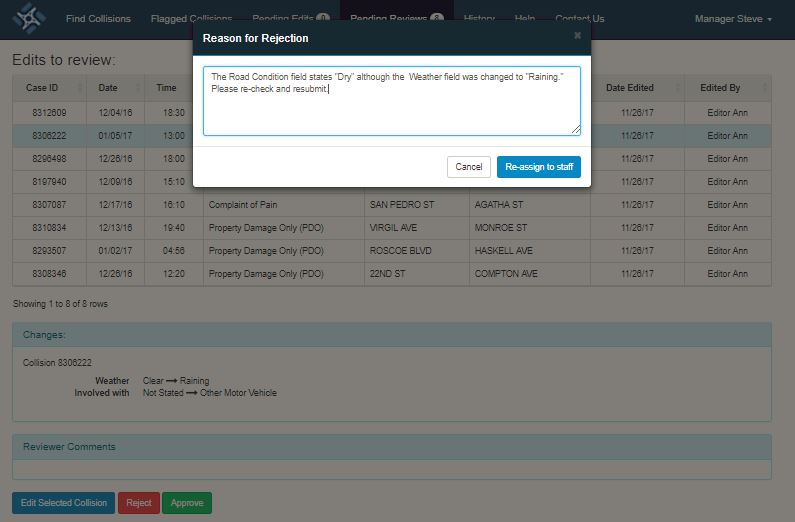
A confirmation pop-up will appear once the "Re-assign to staff" button as displayed below.
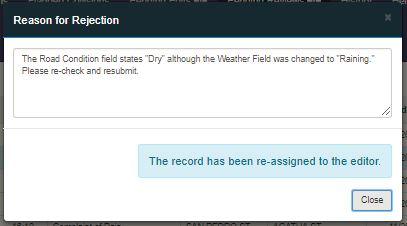
Once the collision record edits are re-assigned to the editor, the collision record will be shown in the Pending Edits tab of the editor console with the Review By and Date Reviewed columns populated. The editor can make the change based on the reviewer’s comment and re-submit for review. Please note that the commentary is not saved, so if multiple rejections are made to the same collision record, only the last comment by the manager for the correction are saved.